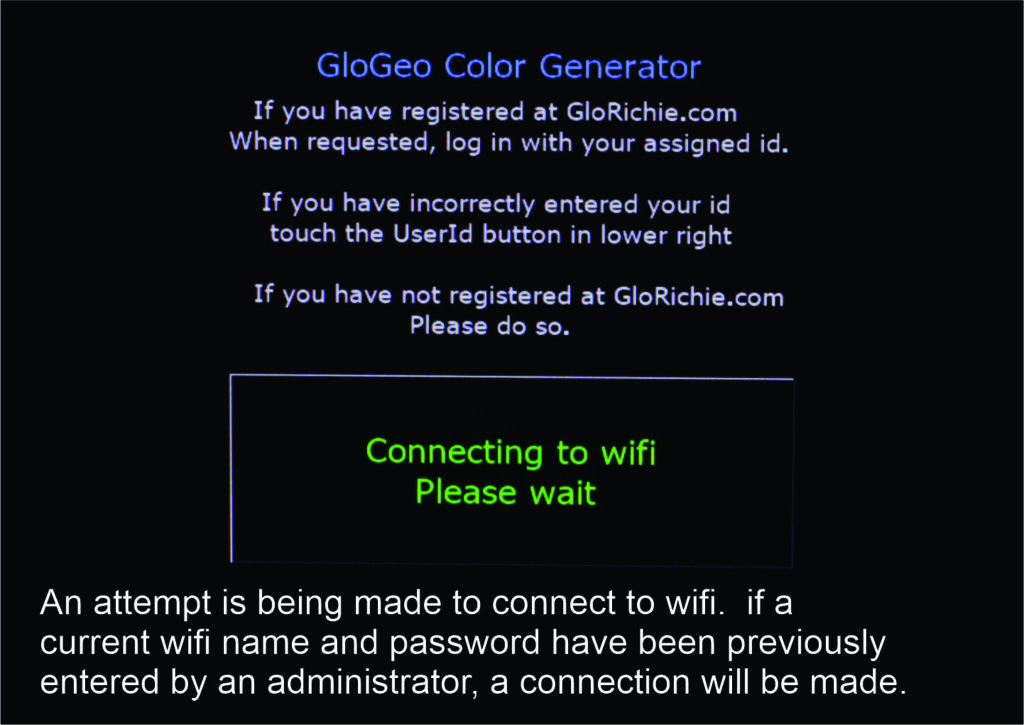
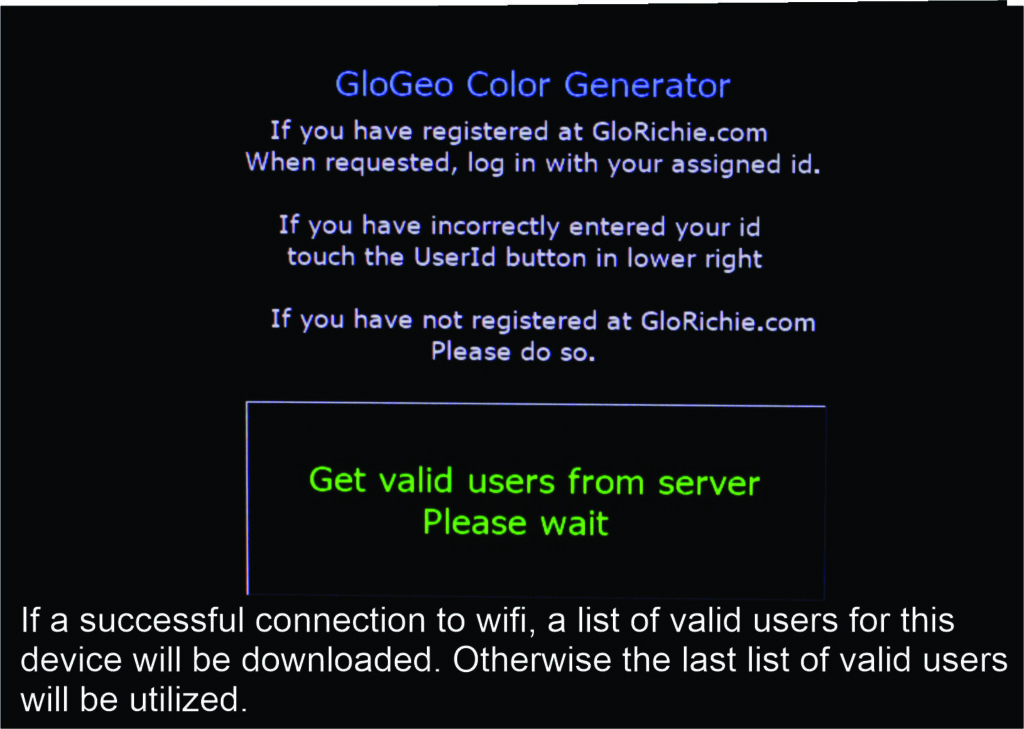
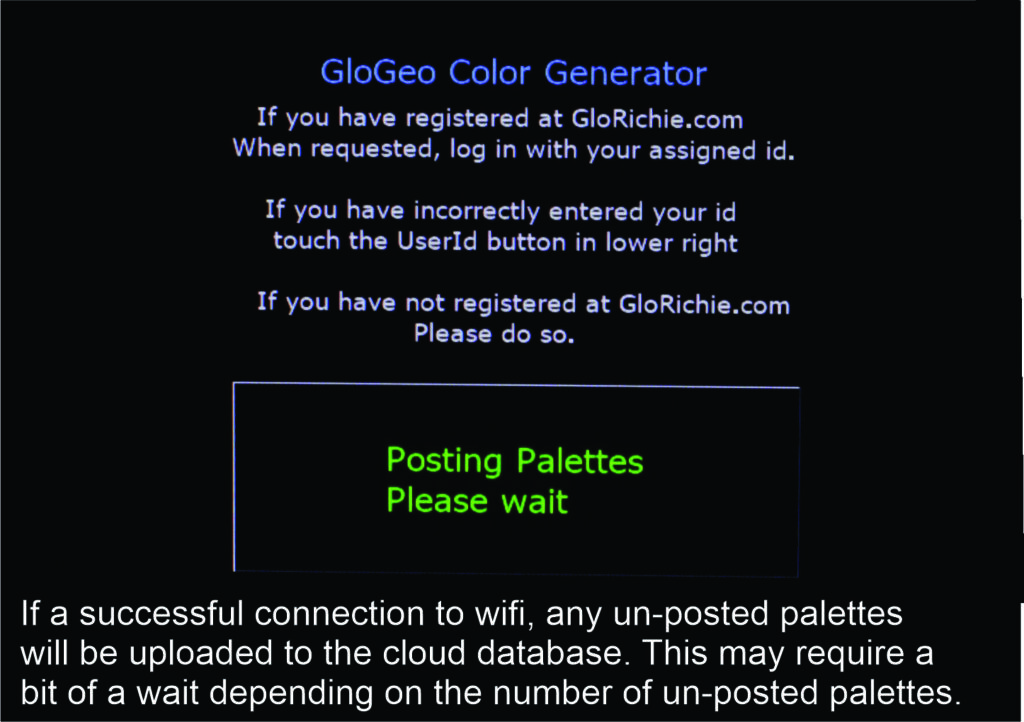
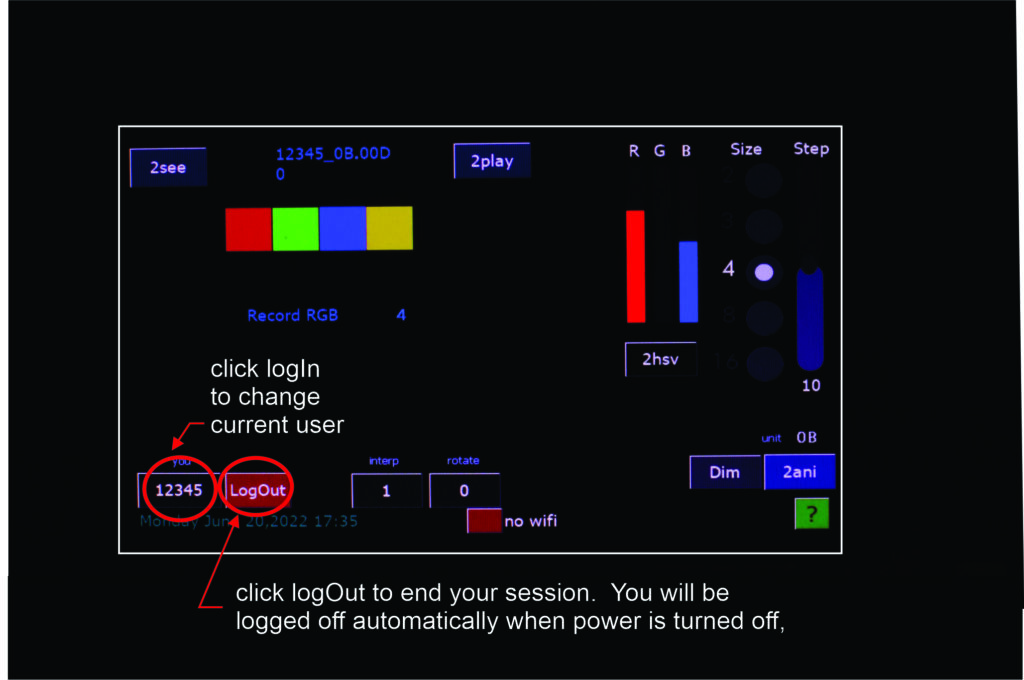
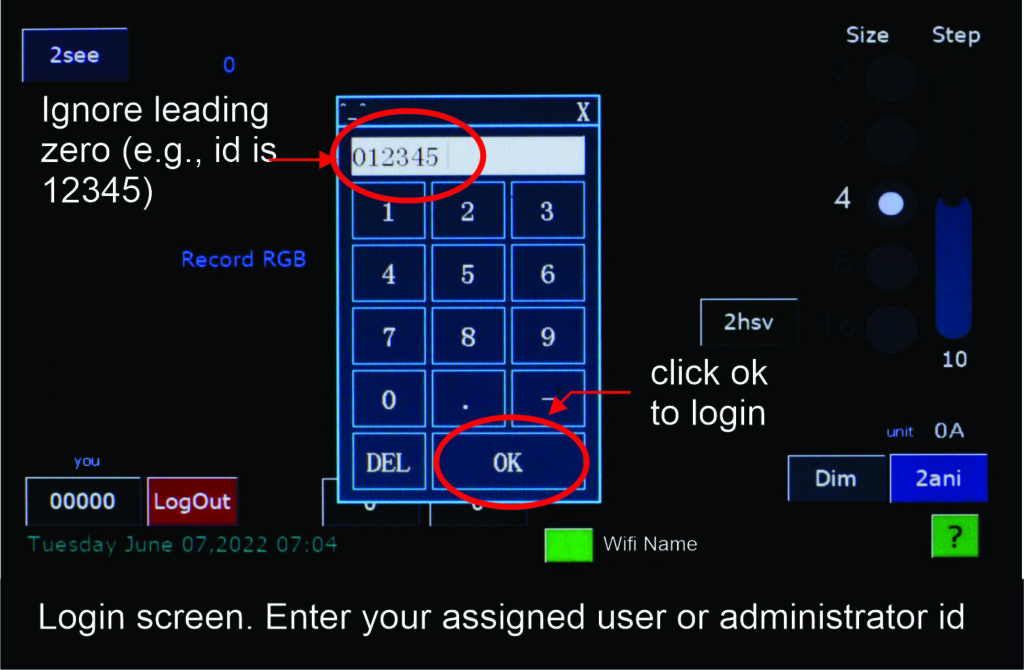
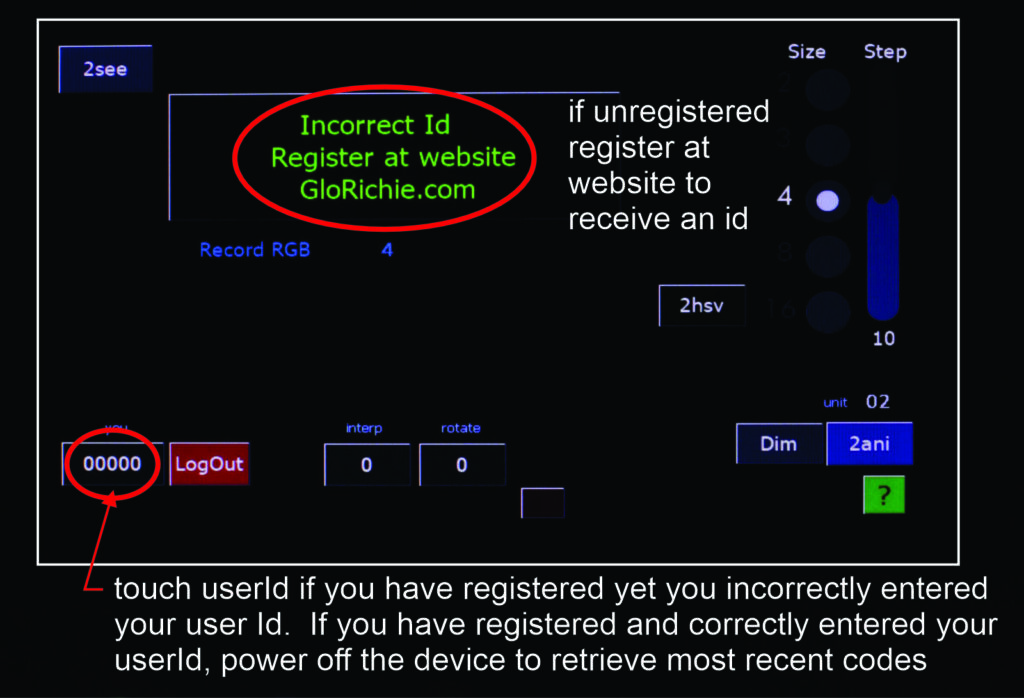
When Geo is turned on, it will attempt to connect to a local wifi network. In order for Geo to know the details of the desired wifi network, an administrator would have had to previously enter that wifi's name and password. An attempt is made to connect to the wifi network. If connected, Geo retrieves a list of valid users and uploads any outstanding palettes. Whether connection is made or not, the home screen allows you to log in to Geo. You can save palettes without being connected to a wifi network.